Intensive GPU Burn-in Test (Furry Donut)
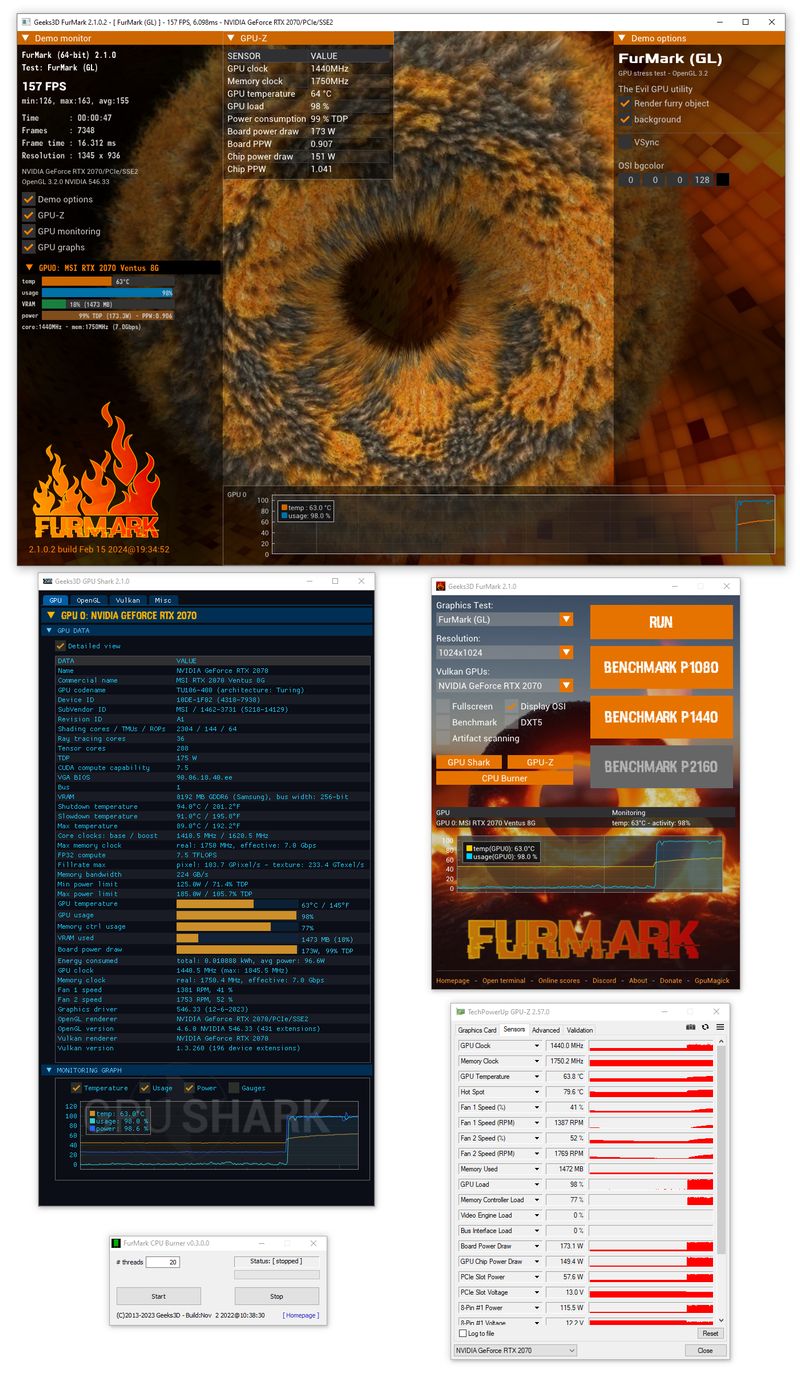
FurMark is famous for its intensive fur rendering algorithm that pushes the GPU to its thermal and power limits. This "burn-in" mode is designed to generate the maximum possible heat and power draw.
-
Push VRM and capacitors to maximum load.
-
Verify cooling system efficiency under extreme conditions.
-
Identify unstable overclocks in minutes.
OpenGL and Vulkan Benchmark Support
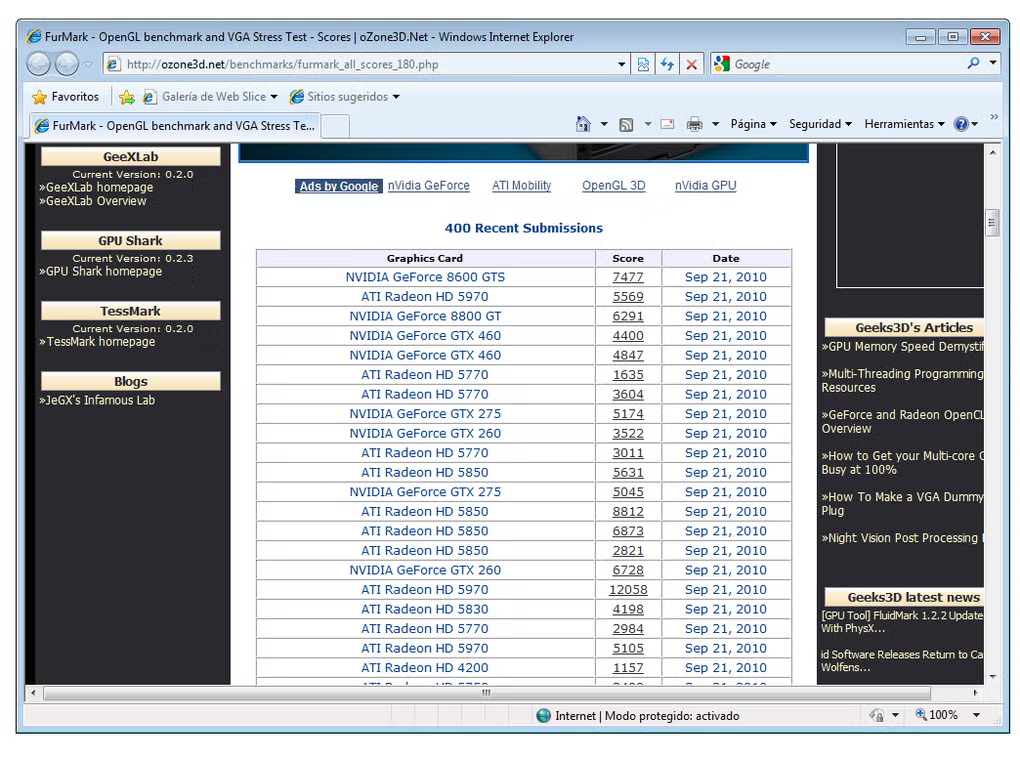
FurMark isn't just for heating up your GPU. It's a precise benchmark for both OpenGL and Vulkan graphics APIs, allowing you to compare performance across different generations and manufacturers.
Preset Testing
Standardized 1080p, 1440p, and 4K presets for global leaderboard comparison.
Anti-Aliasing
Test with MSAA (up to 8x) to measure impact on frame rates and image quality.
Real-time GPU Temperature & GPU-Z Integration
Stay informed with detailed real-time monitoring. FurMark displays GPU temperature, clock speeds, and usage directly in the 3D window and logs data to a file for later analysis.
GPU-Z & GPU Shark
Native support for industry-standard monitoring tools for detailed hardware info.
Temperature Graphing
Track temperature spikes and thermal throttling behavior in real-time.
LOG_SCAN_STATUS: DETECTING_ARTIFACTS...
Our scanner detects "sparkles" or texture stretching that signals a GPU is failing or overclocked too high.
Artifact Scanning for Hardware Flaws
Don't just look for crashes. FurMark's artifact scanner automatically detects pixel-level visual errors that your eyes might miss. This is critical for identifying memory errors and core instability.
"FurMark's artifact scanner saved my build. It detected memory errors that only showed up after 20 minutes of testing, which would have ruined my gameplay sessions later."